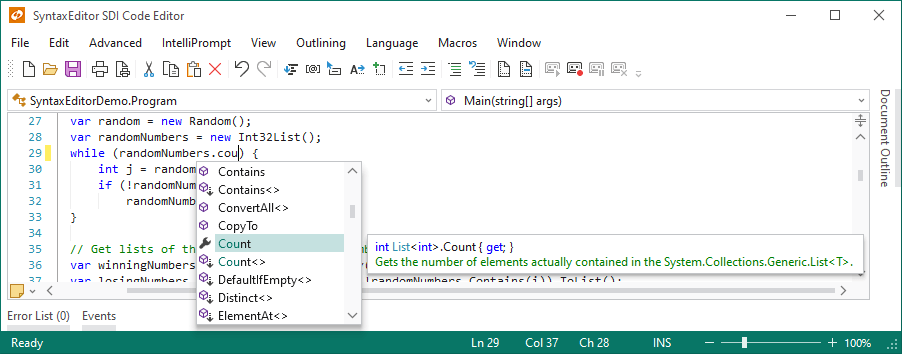
Syntax-Highlighting for Your Sites
Actipro Software has donated the CodeHighlighter ASP.NET web control to the developer community as freeware.
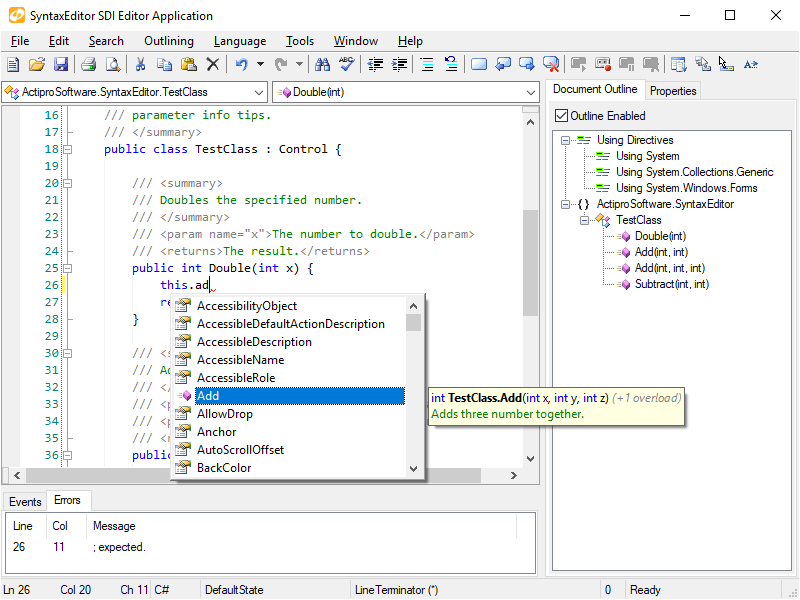
CodeHighlighter is a powerful source code syntax highlighting component, based on our WinForms SyntaxEditor's core object model.
It makes providing syntax highlighted code samples on your web sites a trivial task.
Features at a Glance
- Flexible ASP.NET web control inferface that syntax highlights source code
- Code can be added within the web control's tag block or set programmatically
- Web.config file configuration settings
- Language definition caching
- Multiple language support
- Custom backtracking NFA regular expression engine
- XML language definitions
- Lexical parsing of text into tokens
- Code outlining via DHTML
- Code outlining degrades gracefully if the browser will not support it
- Line numbers with custom colors and padding characters
- Keyword linking to external URLs
- Sample language definitions for Assembly, Batch files, C#, CSS, HTML, INI files, Java, JScript, Lua, MSIL, Pascal, Perl, PHP, PowerShell, Python, SQL, VB.NET, VBScript, XAML, and XML
- Sample web page demonstrating inline use of the web control
- Sample web page demonstrating how to paste code into a TextBox and highlight it
- Sample web page demonstrating how to upload a code file and highlight it
How It Works
The code samples have a professional appearance and are easy to read.
You essentially tell the ASP.NET CodeHighlighter web control what code to highlight (either by inserting it inline or by programmatically setting a Text property)
and in the rendering phase of its web page it outputs the code in syntax highlighted format.
Custom language definitions may be developed for the control and code outlining, line numbering, and keyword linking are even supported.