Sold separately from SyntaxEditor and its containing bundles
The .NET Languages Add-on, combined with the SyntaxEditor control, brings an enhanced C# and Visual Basic code editing experience to your end users.
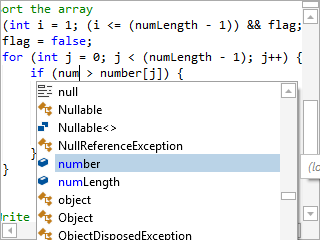
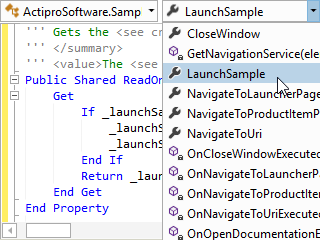
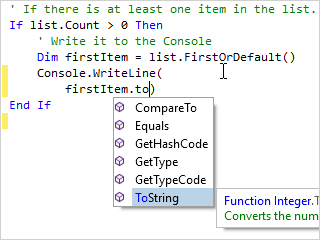
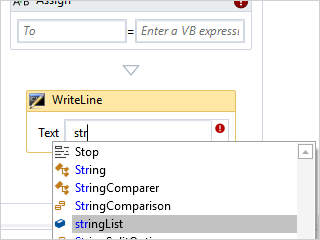
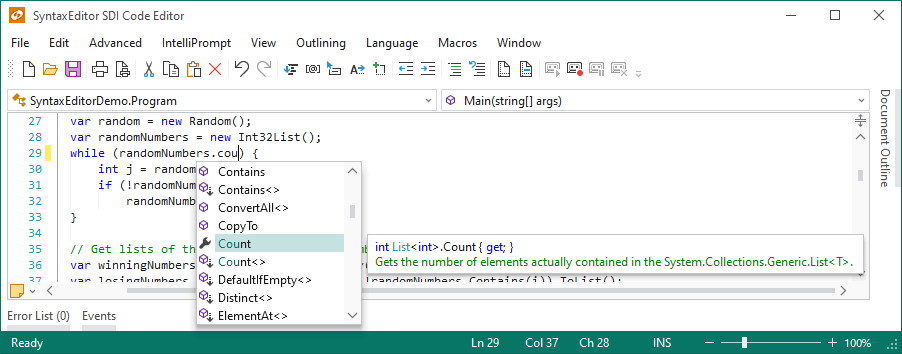
Automated completion lists and 'Ctrl+Space' auto-complete features are fully supported and available out-of-the-box. The context-sensitive completion data is populated with information from the reflection repository.

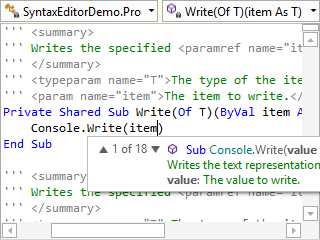
Automated parameter info tips show whenever typing an invocation, such as for a method call. The tips show detailed information about the invoked member along with details about the current argument being typed. In the case where the invoked member has multiple overloads, arrows show on the popup and allow toggling between all the available overloads.
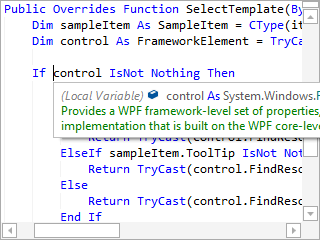
Automated quick info tips show whenever the mouse is hovered over words such as identifiers. The quick info tips display detailed information about the related type, member, variable, etc. Similar to parameter info tips, all information is presented using rich text formatting.

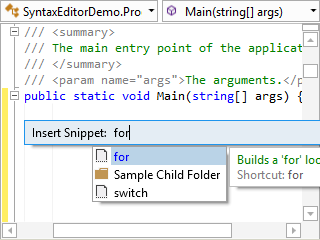
IntelliPrompt code snippets provide a way to insert pre-defined fragments of text into the editor. Each code snippet can declare multiple fields of text, and when a code snippet template session is activated in SyntaxEditor, the text is inserted and the end user can tab between the fields to edit their values.

Any code snippets designed for Visual Studio can be loaded into SyntaxEditor since the file formats are the same. Available code snippets appear in the 'Ctrl+Space' completion list.
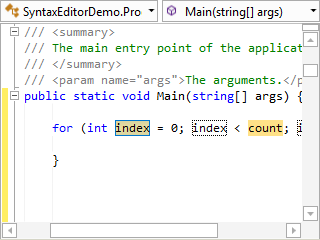
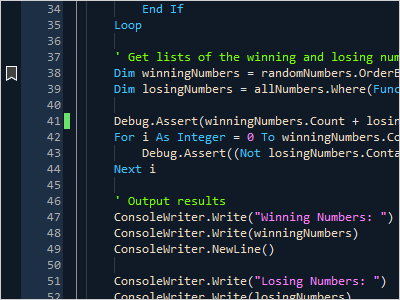
Syntax highlighting is included for both C# and VB, which makes it easier to visually distinguish things like keywords, strings, and comments while editing.
When typing /// (C#) or ''' (VB) immediately before a type or member,
stub documentation comments will automatically be inserted.


As Enter is pressed within a documentation comment, /// (C#) or ''' (VB) are auto-inserted on the next line for continuation of the comment.
A context-sensitive completion list of tags is displayed whenever typing a new start tag within documentation comments.
When typing a > to close a start tag, the appropriate end tag is auto-inserted.
The C# and VB parsers are designed according to the latest official language specifications.
The language parsers output an AST (abstract syntax tree) for each document parsed. This tree consists of a node for every code construct in the document (type declaration, statement, expression, etc.). Over 130 distinct AST node classes are defined and used by both the C#/VB parsers so that regardless of which language is in use, the same AST format is returned in the parse results.
While the parser executes, it keeps track of any syntax errors that are found and reports these back in the parse data results. SyntaxEditor then renders squiggle lines under each error and provides quick info tips with information describing the error.

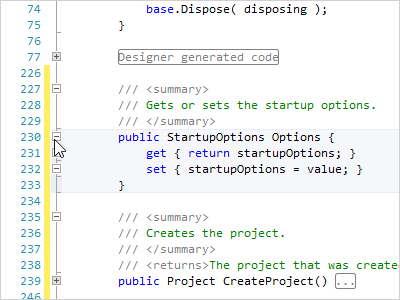
Automatic code outlining is performed based on the AST data generated by the parser. This means that only blocks such as type and member declarations are rendered as outlining nodes.

#Region ... #EndRegion blocks can be collapsed, and 'Collapse to Definitions' support is included.
The add-on manages reflection data for both .NET assemblies as well as source code files. All of this data, which consists of everything from namespaces down to member parameters, is stored in a common set of interfaces so that it may easily be queried and used by features like the resolver, thus helping to populate automated IntelliPrompt.
Built-in functionality can be called from menus/toolbars to comment and uncomment code lines.
SyntaxEditor's code fragments feature allows an end user to edit a small fragment of code, but for parsing purposes, the document's text is pre-pended with header text and post-pended with footer text. When combined with the .NET Languages Add-on, this can be a very powerful feature since enables scenarios for the end user to edit method bodies, or a single statement/expression. The best part is that automated IntelliPrompt and syntax error reporting still continue to work as expected!