Skip Navigation LinksActipro Software / Products / .NET Controls / WPF / SyntaxEditor

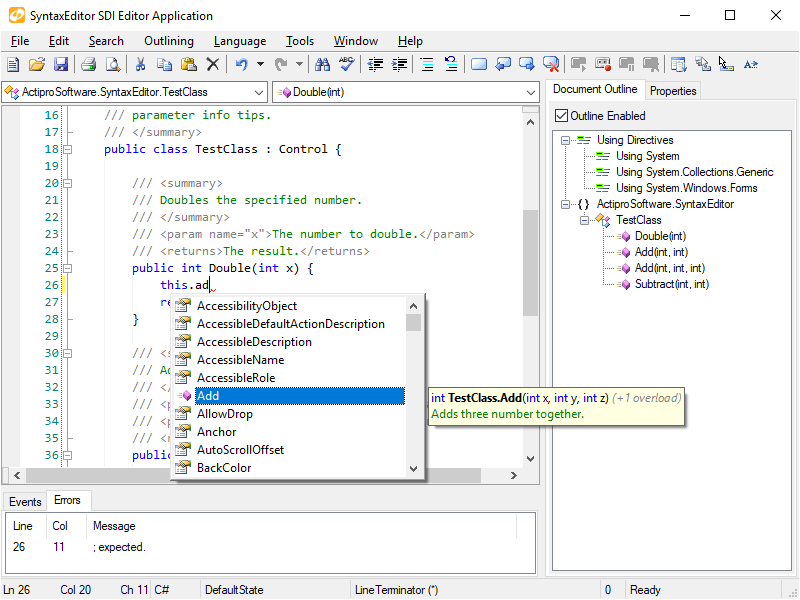
SyntaxEditor is a powerful text editing control that is packed with features for efficient code editing, including syntax highlighting, code outlining, parsing, line numbers, block selection, IntelliPrompt UI, split views, zooming, adornments, bi-di support, and much more. It has many of the same code editing features found in the Visual Studio code editor.

SyntaxEditor is built on top of our next-generation extensible text/parsing framework. While over 20 sample languages are available to get you started (such as C#, VB, XML, and more), custom language definitions can be developed and distributed with your applications as well. SyntaxEditor is designed for use in IDE (integrated development environment) applications, however there are many other applications out there than can take advantage of such a control.

Actipro offers a unique custom parser-building framework with SyntaxEditor that features grammars written in C#/VB using EBNF-like notation, customizable AST construction, advanced error handling/reporting, easy code injection, a complete debugger UI, and much more. Whether you want to use the Actipro LL(*) Parser Framework to build your syntax language parsers or not, we've got you covered. Free add-ons are included that integrate domain-specific language (DSL) parsers created using ANTLR, Irony, and Microsoft Oslo's 'M' Language Definitions with SyntaxEditor.


Features at a Glance

  • Author custom language definitions with our Language Designer app, over 20 free definitions included
  • Tokenization of text via lexers
  • Multi-threaded parsing capabilities
  • A robust grammar-based parser framework with AST generation and error reporting
  • IntelliPrompt completion lists and quick info
  • Block (rectangular) selection
  • Over 100 built-in edit actions like selection, indenting, transposition, etc.
  • Customizable highlighting styles
  • Split views
  • Easily create custom margins and text area adornments, both in editor and in printouts
 
  • Code outlining (folding) and hidden text regions
  • Mouse wheel zooming
  • Complete separation of document and UI object models
  • Document text stored in immutable versioned thread-safe snapshots
  • Flexible text search model
  • Mark text ranges with custom data
  • Powerful text scanning features
  • Abstracted, extensible object model
  • Optional free integration with ANTLR, Irony, and Microsoft 'M' Language Definitions DSL parsers
  • Unicode and bi-directional editing support
  • XBAP support and much more

Want to learn more? Take a feature tour or try the live online demo

Although the optional premium SyntaxEditor language add-ons (such as the Web Languages Add-on) are demoed and distributed with WPF Studio, they are sold separately to keep the price of WPF Studio and SyntaxEditor low.


Innovative Features

     
Top Performer   IntelliPrompt UI   Custom Margins   Fully Themeable
SyntaxEditor is designed with virtualization techniques that reduce memory usage and increase performance, especially with large files. Open a 10MB document almost instantly! [more]
 
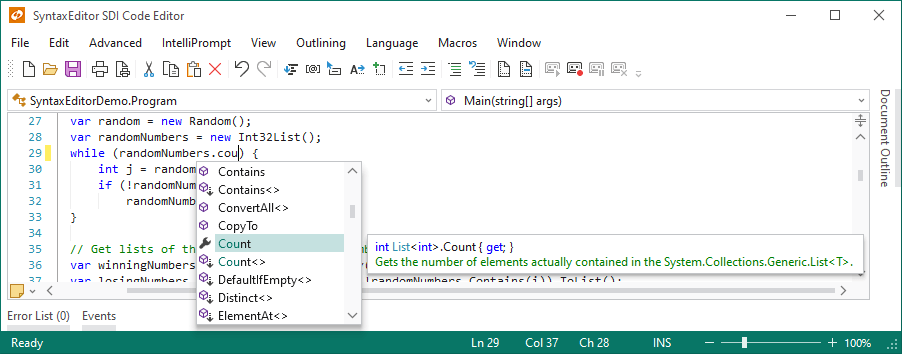
IntelliPrompt UI is available for completion lists and quick info. Completion lists support complete word functionality, filters, matched text highlights, description tips, and many more advanced features. [more]
 
While SyntaxEditor is packed with numerous built-in margins such as line numbers and rulers, custom margins can be easily created for both editor views and/or printout pages. [more]
 
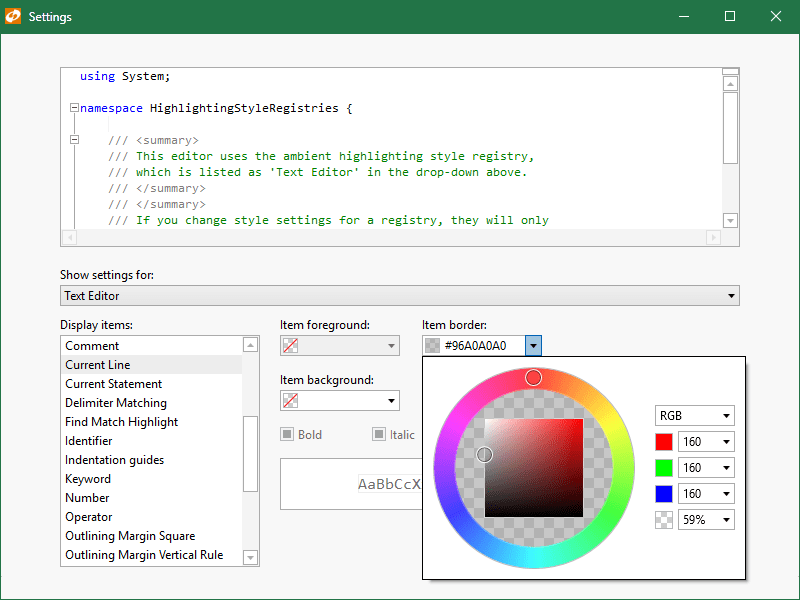
All elements of the editor can be customized by the end user via an Options dialog, even the line number margin and text area background colors. Want a a dark theme for your editor? No problem! [more]

Extensive Documentation, Samples and Designer Functionality

While we have spent a lot of time perfecting the design of Actipro SyntaxEditor and its run-time capabilities, we also realize that the key to successfully integrating a product of its type into your own applications is that you understand how to effectively work with the product.

We have worked very hard to make Actipro SyntaxEditor the most developer-friendly product out there by building:

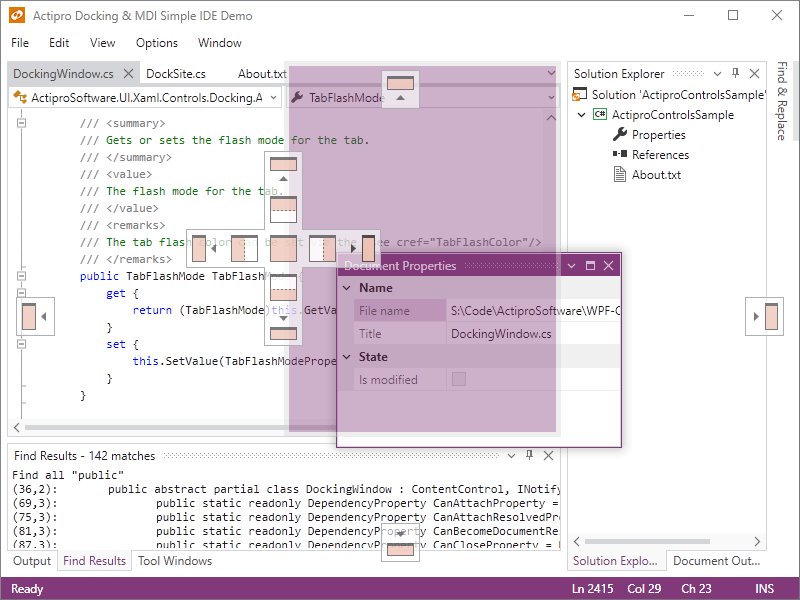
In summary, if you want to add a Visual Studio-like code editing experience to your WPF applications, made by a company that listens to it's customers, download Actipro SyntaxEditor today.