Skip Navigation Links

Product Details

Spider Writer
A feature-packed web development suite including a text-based and WYSIWYG HTML editor, FTP client, image mapper and much more

Latest Release:
v3.0.0143 on 11/09/2009

Supported Environments:
Windows 95-XP

Other Products

General
Product List

Actipro Icons

Released on 12/17/2008
Actipro Icons contains over 1,750 unique icon designs for use in your applications, each with multiple size, state, and format combinations
Actipro Icons
WPF .NET Controls

Actipro WPF Studio

for Windows Presentation Foundation
v9.2.0515, released on 02/22/2010
WPF Studio is a premium bundled suite of professional user interface controls and components for WPF
WPF Studio v9.2.0515

Actipro Bar Code

for Windows Presentation Foundation
v9.2.0515, released on 02/22/2010
Bar Code generates native WPF vector-based bar codes
   Bar Code

Actipro DataGrid Add-ons

for Windows Presentation Foundation
v9.2.0515, released on 02/22/2010
Add-ons with enhanced functionality, behaviors, and themes for the Microsoft WPF DataGrid control
   New! DataGrid

Actipro Docking & MDI

for Windows Presentation Foundation
v9.2.0515, released on 02/22/2010
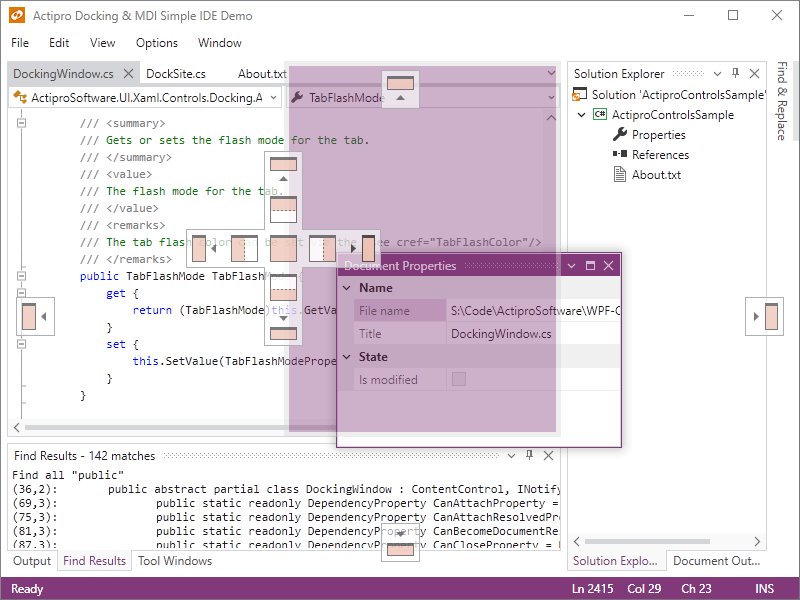
Docking tool windows and multiple document interface for WPF
   Docking & MDI

Actipro Editors

for Windows Presentation Foundation
v9.2.0515, released on 02/22/2010
Contains a framework for building part-based and masked edit controls and includes numerous implementations such as an advanced DateTime picker with MonthCalendar
   New! Editors

Actipro Gauge

for Windows Presentation Foundation
v9.2.0515, released on 02/22/2010
Circular, linear, and digital gauge controls for WPF
   Gauge    Navigation

Actipro PropertyGrid

for Windows Presentation Foundation
v9.2.0515, released on 02/22/2010
PropertyGrid is an advanced property grid control for WPF
   PropertyGrid

Actipro Ribbon

for Windows Presentation Foundation
v9.2.0515, released on 02/22/2010
Ribbon is a control suite duplicating the Office 2007 user interface
   Ribbon

Actipro SyntaxEditor

for Windows Presentation Foundation
v9.2.0515, released on 02/22/2010
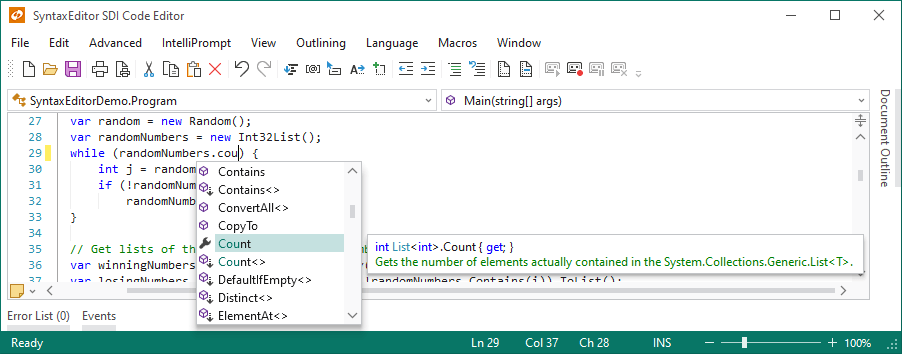
SyntaxEditor is the ultimate syntax-highlighting code editor control
   New! SyntaxEditor

Actipro Wizard

for Windows Presentation Foundation
v9.2.0515, released on 02/22/2010
Wizard is a control that makes it simple to create wizard dialogs in WPF
   Wizard

Actipro Shared Library

for Windows Presentation Foundation
v, released on
Useful common controls and components for WPF, included with our other WPF products
   Shared Library

Actipro WPF Essentials

for Windows Presentation Foundation
v9.2.0515, released on 02/22/2010
WPF Essentials is a bundle of Actipro's Docking & MDI, Editors, Navigation, Ribbon, Wizard and Shared Library WPF products
WPF Essentials v9.2.0515
Windows Forms .NET Controls

Actipro SyntaxEditor

for Windows Forms
v4.0.0284, released on 02/26/2010
SyntaxEditor is a syntax-highlighting source code editing control
SyntaxEditor v4.0.0284

Actipro .NET Languages Add-on

for Windows Forms
v4.0.0284, released on 02/26/2010
Advanced C# and Visual Basic language implementations for use with the SyntaxEditor control
   .NET Languages Add-on

Actipro Web Languages Add-on

for Windows Forms
v4.0.0284, released on 02/26/2010
An advanced XML language implementation for use with the SyntaxEditor control
   Web Languages Add-on

Actipro UIStudio

for Windows Forms
v2.0.0109, released on 02/26/2010
UIStudio is a suite of next-generation dockable toolbars, menus, statusbars, dockable windows, tabstrips, and navigationbar controls
UIStudio v2.0.0109

Actipro Wizard

for Windows Forms
v3.0.0143, released on 11/09/2009
Wizard is a control with powerful design-time functionality for creating wizards
Wizard v3.0.0143
ASP.NET Controls

Actipro CodeHighlighter

for ASP.NET
v4.0.0058, released on 11/09/2009
CodeHighlighter is a freeware code syntax highlighting web control for ASP.NET
CodeHighlighter v4.0.0058
NOTE: The Spider Writer product is no longer being actively developed or supported.

Spider Writer HTML Editor

ASP Features

Active Server Pages (ASP) are a server-side scripting environment created by Microsoft. With ASP technology, you can create interactive web pages and build powerful Web applications.

When a request for an ASP page is received by a web server, the server processes any server-side scripts contained in the document. The scripts can be written in VBScript (the default) or JavaScript. These scripts build the resulting page that is sent to the requesting browser. ASP is very powerful because the server-side scripts can make use of COM components that do everything from processing business logic to working with databases.

In addition to all the standard web development features that Spider Writer makes available, Spider Writer has an enormous amount of support specifically for ASP development. Read this page to see some of the major features you can take advantage of for ASP development.

New ASP Features in Version 5.01

Spider Writer 5.01 introduces several new features that ASP developers can make use of. A new result set quick query has been added to the Data Connections. This quick query allows you to build a where clause for selected fields in a couple clicks and instantly generate an HTML table containing a live lookup of a single record.

Type library enumeration has been added to the Script Outline sidebar. This allows you to view the contents of a type library and insert prototypes of members into your documents. For example, this is very useful when you want to define VBScript constants to be used in function calls instead of using raw numbers.

The ASP toolbar's Response.Write command has been improved to account for quotes and line breaks when using it on text selections. This means that you can design an HTML block, select it and use this command to instantly transform it to a Response.Write call.

This version also adds a Global.asa new document template as well as adding the Request.Form and Request.QueryString commands to the Request command drop-down menu on the ASP toolbar.

New Documents

When starting new documents, you can choose from a number of various templates, two of which are ASP. One template is for VBScript ASP and one for JavaScript ASP. If the provided templates don't provide all the initial markups you want for a new document, you can create your own user-defined templates.

Syntax Highlighting

Syntax Highlighting is one of the most important features of a web editor and Spider Writer provides one of the most sophisticated syntax highlighting schemes available in web editors today. When using ASP parsers on documents, Spider Writer not only color codes the client-side HTML, script blocks, and style sheet blocks, but also color codes the server-side ASP code.

IntelliPrompt

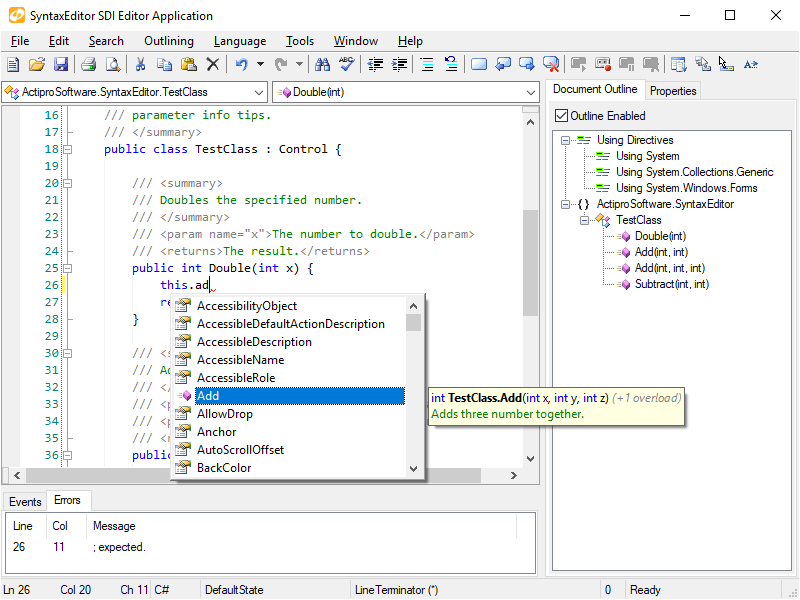
IntelliPrompt is one of the most powerful features of Spider Writer. It dynamically displays helpful popup lists and tooltips containing information about syntax items as you type. This feature is extremely helpful when coding manually and saves you typing time as well as time for looking at syntax references for various languages. IntelliPrompt currently supports prompting for HTML tags, HTML attributes, CSS properties, ASP objects, JavaScript objects, and DHTML objects. For example, when entering the Response object in the editor and pressing the period key, Spider Writer will display all of the Response object's properties, methods, and collections in a list to choose from.

Script Outline

The Script Outline sidebar provides a tree list of various scripting object models, including HTML tags, ASP objects, JavaScript objects, and DHTML objects. In reference to ASP objects, Spider Writer shows all of the basic objects along with their properties, methods, collections, and events. You can double-click on a syntax item to insert it into the current document. For instance, to add an Application_OnStart() event, just double-click on the OnEnd child item of the Application syntax item in the Script Outline.

Code Snippets

The Code Snippets sidebar allows you to store snippets of custom code and insert them easily. Code snippets can be grouped in various user-defined folders. In defining code snippets, you can define starting code blocks and ending code blocks. When you insert a code snippet into a document, its starting block is placed before the current selection and the end block is placed after the selection.

Other Editor Features

In addition to all of the ASP editor features listed above, Spider Writer also has a huge number of HTML editor features which ASP developers use as well.

ASP Toolbar

The ASP toolbar provides easy access to server environment variables and some pre-defined ASP code. Code includes such things as quick access to the Request and Response objects, If...Else...End If blocks, and more.

Visual SourceSafe Integration

Visual SourceSafe integration allow you to connect to Microsoft Visual SourceSafe databases. This product provides excellent source control management features and if very useful in multi-user environments. By using this integration, you can even work with databases on remote servers. Spider Writer's integration with Visual SourceSave lets you add files to source controls, check in and out files, among other operations.

Browse Through URL

Whether you use the Visual SourceSafe project integration (see above) or Spider Writer projects for your project file management, you can define a URL for all documents to be viewed through when browsing documents in Spider Writer. For instance, we at Actipro Software may have a default.asp document at the root of our spiderwriter.com web site. Since we want to see the results of the server side code when we work on the document and we work directly off the server, we set the root URL to be http://www.spiderwriter.com/. Then when we open the default.asp document in Spider Writer and browse to it, it really browses to http://www.spiderwriter.com/default.asp.

Database Intergration

Spider Writer data connections allow you to connect to various types of databases. Once connected, you can enumerate assorted database objects and use the data objects in a number of ways. Spider Writer can currently show objects like tables, views, stored procedures, columns, parameters, and more. Spider Writer also has tools for quickly generating ASP code for displaying a specified table's columns at the click of a button!

ASP-Related Web Sites