Skip Navigation Links

Product Details

Spider Writer
A feature-packed web development suite including a text-based and WYSIWYG HTML editor, FTP client, image mapper and much more

Latest Release:
v3.0.0143 on 11/09/2009

Supported Environments:
Windows 95-XP

Other Products

General
Product List

Actipro Icons

Released on 12/17/2008
Actipro Icons contains over 1,750 unique icon designs for use in your applications, each with multiple size, state, and format combinations
Actipro Icons
WPF Controls

Actipro WPF Studio

for Windows Presentation Foundation
v10.1.0523, released on 06/25/2010
WPF Studio is a premium bundled suite of professional user interface controls and components for WPF
WPF Studio v10.1.0523

Actipro Bar Code

for Windows Presentation Foundation
v10.1.0523, released on 06/25/2010
Bar Code generates native WPF vector-based bar codes
   Bar Code

Actipro DataGrid Add-ons

for Windows Presentation Foundation
v10.1.0523, released on 06/25/2010
Add-ons with enhanced functionality, behaviors, and themes for the Microsoft WPF DataGrid control
   DataGrid

Actipro Docking & MDI

for Windows Presentation Foundation
v10.1.0523, released on 06/25/2010
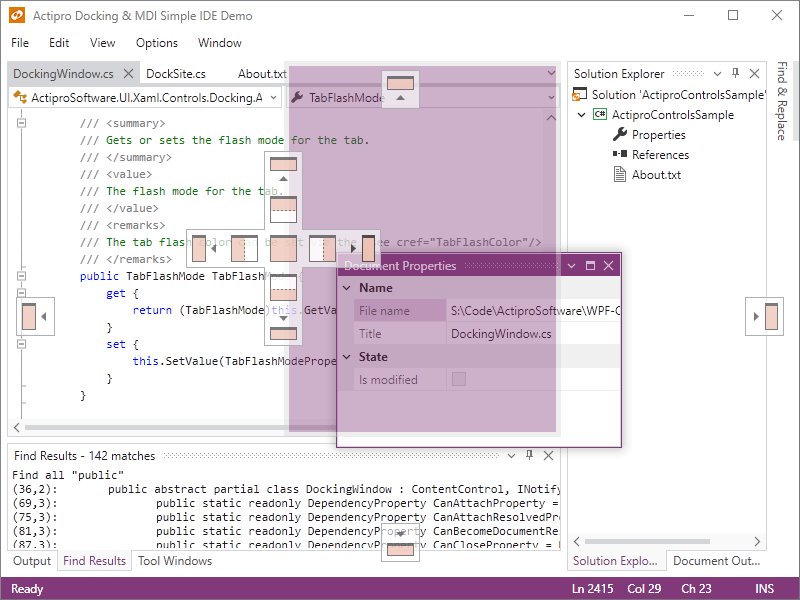
Docking tool windows and multiple document interface for WPF
   Docking & MDI

Actipro Editors

for Windows Presentation Foundation
v10.1.0523, released on 06/25/2010
Contains a framework for building part-based and masked edit controls and includes numerous implementations such as an advanced DateTime picker with MonthCalendar
   Editors

Actipro Gauge

for Windows Presentation Foundation
v10.1.0523, released on 06/25/2010
Circular, linear, and digital gauge controls for WPF
   Gauge    Navigation

Actipro PropertyGrid

for Windows Presentation Foundation
v10.1.0523, released on 06/25/2010
PropertyGrid is an advanced property grid control for WPF
   PropertyGrid

Actipro Ribbon

for Windows Presentation Foundation
v10.1.0523, released on 06/25/2010
Ribbon is a control suite duplicating the Office 2007 user interface
   Ribbon

Actipro SyntaxEditor

for Windows Presentation Foundation
v10.1.0523, released on 06/25/2010
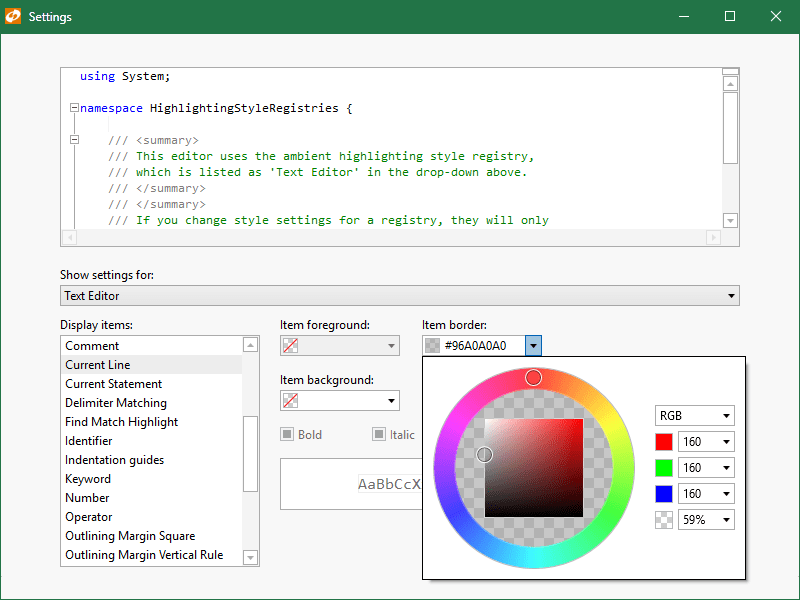
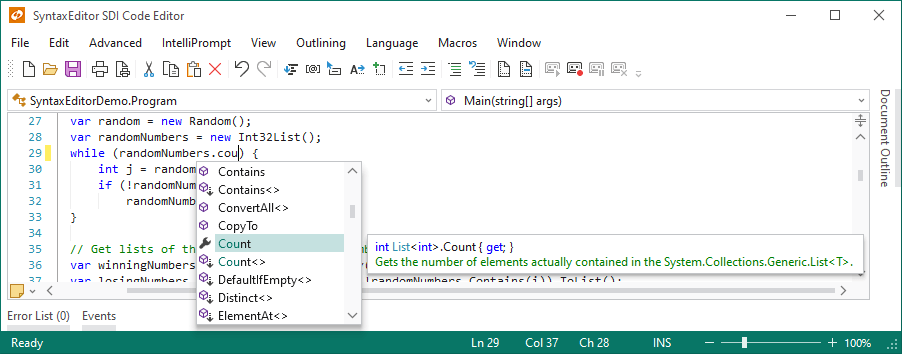
SyntaxEditor is the ultimate syntax-highlighting code editor control
   SyntaxEditor

Actipro Views

for Windows Presentation Foundation
v10.1.0523, released on 06/25/2010
Advanced WPF Panels that support fluid animated item layout
   New! Views

Actipro Wizard

for Windows Presentation Foundation
v10.1.0523, released on 06/25/2010
Wizard is a control that makes it simple to create wizard dialogs in WPF
   Wizard

Actipro Shared Library

for Windows Presentation Foundation
v, released on
Useful common controls and components for WPF, included with our other WPF products
   Shared Library

Actipro WPF Essentials

for Windows Presentation Foundation
v10.1.0523, released on 06/25/2010
WPF Essentials is a bundle of Actipro's Docking & MDI, Editors, Navigation, Ribbon, Wizard and Shared Library WPF products
WPF Essentials v10.1.0523
Silverlight Controls

Actipro Silverlight Studio

for Silverlight
v10.1.0102, released on 08/16/2010
Silverlight Studio is a premium bundled suite of professional user interface controls and components for Silverlight
Silverlight Studio v10.1.0102

Actipro SyntaxEditor

for Silverlight
v10.1.0102, released on 08/16/2010
SyntaxEditor is the ultimate syntax-highlighting code editor control
   New! SyntaxEditor

Actipro Views

for Silverlight
v10.1.0102, released on 08/16/2010
Advanced Silverlight Panels that support fluid animated item layout
   New! Views

Actipro Shared Library

for Silverlight
v, released on
Useful common controls, components, and themes for Silverlight
   New! Shared Library
Windows Forms .NET Controls

Actipro SyntaxEditor

for Windows Forms
v4.0.0285, released on 06/25/2010
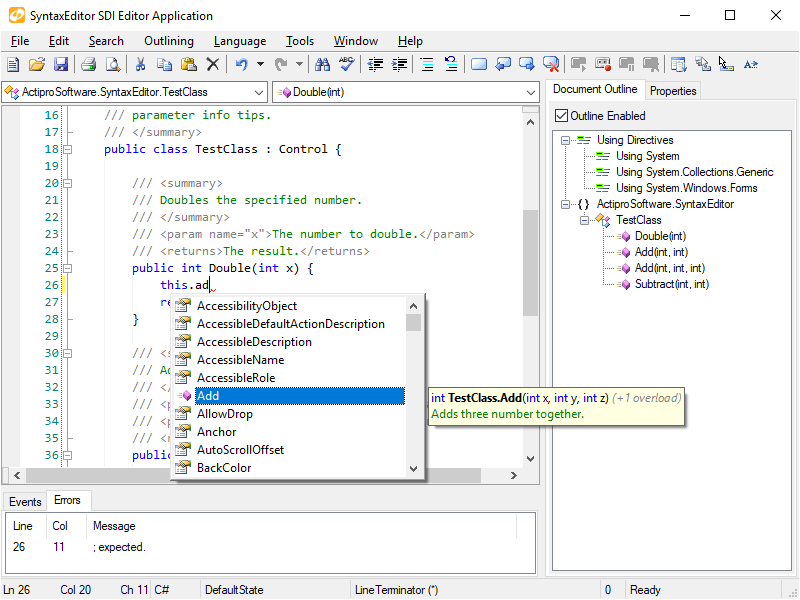
SyntaxEditor is a syntax-highlighting source code editing control
SyntaxEditor v4.0.0285

Actipro .NET Languages Add-on

for Windows Forms
v4.0.0285, released on 06/25/2010
Advanced C# and Visual Basic language implementations for use with the SyntaxEditor control
   .NET Languages Add-on

Actipro Web Languages Add-on

for Windows Forms
v4.0.0285, released on 06/25/2010
An advanced XML language implementation for use with the SyntaxEditor control
   Web Languages Add-on

Actipro UIStudio

for Windows Forms
v2.0.0110, released on 06/25/2010
UIStudio is a suite of next-generation dockable toolbars, menus, statusbars, dockable windows, tabstrips, and navigationbar controls
UIStudio v2.0.0110

Actipro Wizard

for Windows Forms
v3.0.0143, released on 11/09/2009
Wizard is a control with powerful design-time functionality for creating wizards
Wizard v3.0.0143
ASP.NET Controls

Actipro CodeHighlighter

for ASP.NET
v4.0.0058, released on 11/09/2009
CodeHighlighter is a freeware code syntax highlighting web control for ASP.NET
CodeHighlighter v4.0.0058
NOTE: The Spider Writer product is no longer being actively developed or supported.

Spider Writer HTML Editor

Feature Summary List

Below is a list of some of the features you'll find in Spider Writer. You can also take a product tour of the Spider Writer suite. Of course, the best way to see its features in action is to download the evaluation copy. Spider Writer is the product of intense collaboration by professional web developers.

We try to keep in close contact with you, our users, in order to provide you with the best system on the market which suits your needs. Visit the support forums to suggest new features or request product support.

New or improved features in version 5.x are displayed in bold face.

Intuitive User Interface

  • Easy-to-learn, uncluttered user interface
  • Drag-and-drop dockable customizable toolbars
  • Four main workspace views
    • Document Source
      • Multi-tabbed editor toolbar
      • Optional split-screen browser with automatic refresh capabilities
      • Seven drag-and-drop dockable sidebars
        • Tag attributes editor
        • Local files
        • Environment (projects, Visual SourceSafe integration, data connections)
        • Tasks
        • Script outline (type library and object model enumeration)
        • Code snippets
        • Results (syntax checking results, thumbnail image viewer)
    • WYSIWYG Design View
      • Complete WYSIWYG HTML editor
      • Seamlessly works with Document Source view
      • 640x480, 800x600, 1024x768, or full screen modes
      • Horizontal and vertical rulers
    • Web View
      • Full-featured web browser
      • 640x480, 800x600, 1024x768, or full screen modes
      • Horizontal and vertical rulers
    • Document Summary
      • Document statistics
      • Dependency list
      • Document weight
      • Download times
      • Link verification
      • Jump to dependency
  • Context-sensitive tag help
  • Start Page
  • Customizable menus
  • Customizable keyboard shortcuts
  • Netscape integration
  • Easy access to user-defined external applications
  • Full screen mode
  • Tag dialogs
  • AutoBackup for automatically backing up documents
  • Multi-monitor support

Powerful Editing Environment

  • Instant customizable syntax highlighting of HTML, ASP, JavaScript, VBScript, CSS, XML, Perl, CFML, SQL, PHP
  • IntelliPrompt displays popup lists and tooltips for HTML tags, attributes, CSS properties, ASP objects, CFML tags and attributes, JavaScript objects, and the DHTML object model
  • New document dialog for selecting wizards or templates
  • Check for modified documents when returning focus to application
  • Open multiple files from the Open dialog
  • Sophisticated color picking dialog with support for browser-safe colors and custom palettes
  • Unlimited undo/redo levels
  • Line numbers, bookmarks, and control character display
  • Spell checking, LiveSpell, word spelling suggestions, thesaurus
  • Tag, tag block selection, indent, unindent
  • Find matching symbol
  • Convert selection to list or table
  • Multiple-line global find/replace
  • Goto next/previous tag, BODY tag, HEAD tag, next/previous document, etc.
  • Special characters
  • Syntax checking using integrated HTMLTidy
  • Open from the web
  • Convert text file
  • Convert RTF file
  • Convert tag case
  • Beautification and compression of code
  • AutoReplace
  • Multiple time/date format insertion options
  • Drag and drop support
  • Customizable common font faces
  • Save and publish in Windows, UNIX and Macintosh file formats

Impressive Environment Features

  • Environment sidebar
  • Spider Writer Projects
    • New Project Wizard helps create projects
    • Synchronization Wizard aids in managing project files
    • Publish Wizard
      • Publishes to local directories and remote servers
      • Time/date stamp inserts
      • File inserts
    • Route project document browses through a URL
  • Visual SourceSafe Projects
    • Visual SourceSafe Project Wizard helps to connect to SourceSafe projects
    • Full source/versioning control with check in/out features
  • Data Connections
    • Connect to ODBC, Jet, SQL Server, and Oracle databases
    • List stored procedures, procedure parameters, tables, table columns, views, and view columns of databases
    • Create two varieties of SQL queries with one click (for VBScript ASP, JScript ASP, and CFML)

Time-Saving Tools

  • FTP Client
  • Image Mapper
  • Style Editor
  • Syntax Editor
  • Find in Files
  • Button Wizard
  • Calendar Wizard
  • Channel Wizard
  • Form Wizard
  • Frame Wizard
  • Glossary of Terms Wizard
  • Gradient Text Color Wizard
  • Internet Ratings Wizard
  • List Wizard
  • Meta Tag Wizard
  • MoneyMaker Wizard
  • Photo Album Wizard
  • Quick Start Wizard
  • Script Wizard
  • SQL Query Builder
  • Table Wizard
  • HTML Reference
  • CSS Reference
  • Search for new Spider Writer versions

System Requirements
Windows 95, 98, Me, NT4, or 2000
800x600 minimum screen resolution (higher recommended)
24MB of RAM (32 or higher recommended)
Internet Explorer 4.01 or higher (5.x recommended)
Optional System Requirements
Internet Explorer 5.0 or higher required for Find in Files application
Microsoft Word required for Thesaurus
Microsoft Data Access Components (MDAC) 2.5 or higher required for database connectivity features