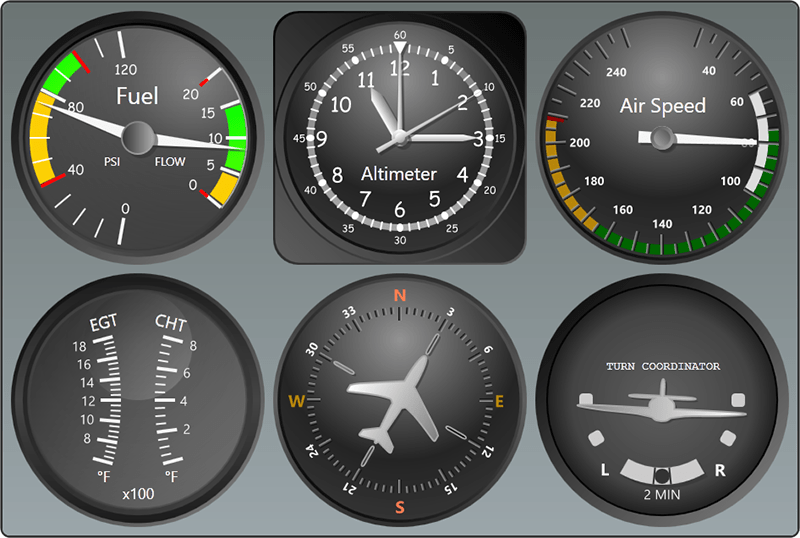
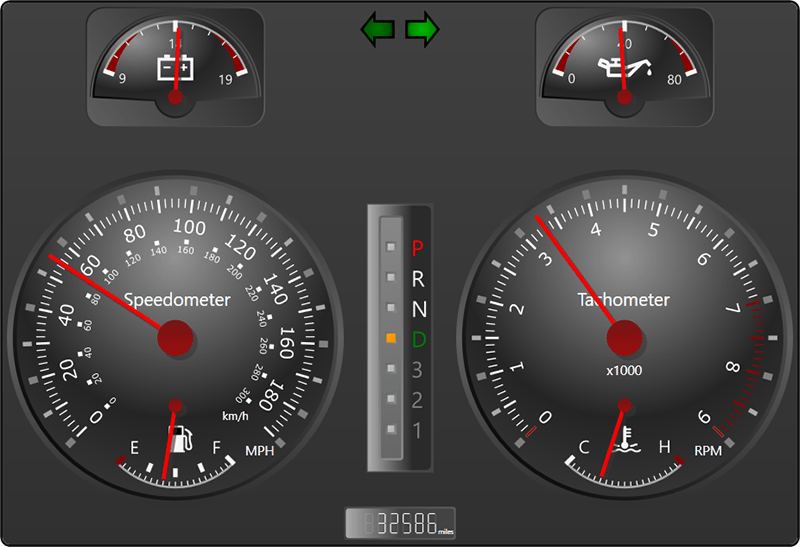
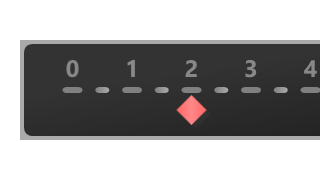
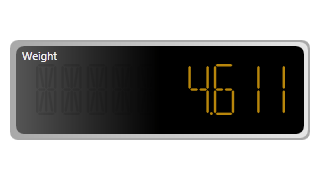
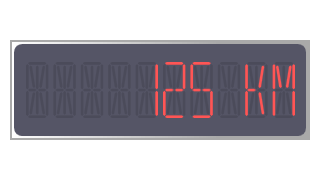
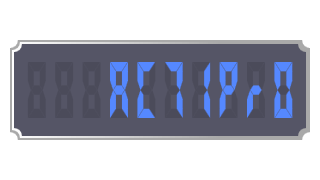
CircularGauge can be used to recreate everything from analog clocks to speedometers, seen in everyday life. Using multiple pointers or scales you can present several data points all from a single gauge control.
The CircularGauge control supports several types of built-in frame rims and backgrounds, whose colors and styles can be configured independently. This allows you to mix and match the various effects supported by each to suit your needs.

An optional glass effect can be used that produces a more stunning and realistic look.

In addition to the built-in frames, a completely custom frame can be used to achieve a unique look using a custom geometry or image. Full customization of the frame can be achived using WPF drawing contexts and custom rendering logic.
Any number of scales can be added to the CircularGauge control, which determine the overall placement of the gauge elements, such as tick marks and pointers. In turn, any number of tick-sets can be can be used, which determine value ranges and intervals, such as where major ticks should be rendered. This allows you to precisely display multiple pieces of information in a single gauge.
Labels or marks can be added, or excluded from, anywhere along a scale based on a given value. The display properties of each can be configured independently, such as marking "55" MPH in red text on a speedodometer.
To highlight areas of interest, ranges can be added with identifying colors. For example, a range with a dark red background can be added to a tachometer that encompasses 6,000 to 10,000 rpms.

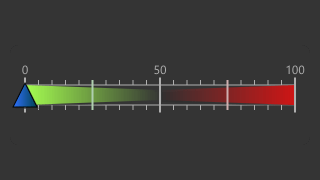
In addition to the start and end values, the thickness of the range at the start and end is completely customizable. This allows you to create ranges that get thinner or thicker as you move along the gauge.
CircularGauge supports four distinct pointer types, needle, mark, bar, and label. Any number of pointers can be included in a single gauge, which can present different values (either static or live). All pointers support smooth animation of value changes, providing for a more visually appealing effect.
All the pointer types support configurable dampening and refresh rates. Dampening prevents the pointer from jumping around as the value changes and make it seem more realistic. The refresh rate can be used to limit how quickly the pointer updates it's position based on value changes. This gives the end-user a chance to read the current value when lots of changes are made per second.
The pointers fully support user interaction, which allows the end-user to drag the pointer to a new value/location. With the optional snapping feature enabled, the values entered by the end-user can be automatically rounded.
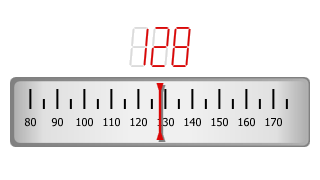
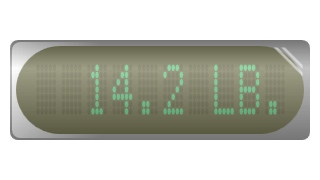
Any UIElement-derived object can be embedded and precisely positioned inside the CircularGauge control, and this includes other gauge controls. For example, a DigitalGauge can be embedded inside a CircularGauge and, using WPF data-binding, can show a textual representation of the current value.
The control supports being resized dynamically, so that the inner elements resize proportionally. This is accomplished by specifying percentage-based sizes, but fixed-based sizes can be used if desired.

Using the WPF rendering engine and precisely placed geometries, the control can scaled to any size without losing resolution.

Using WPF data-binding, the average, maximum, and minimum values can be shown using value converters provided. The running average for all values can be calculated using only a few bytes of memory, or you can limit the number of values used for calculation.