The 2015.1 versions of our WPF, Silverlight, and WinRT/XAML controls have been released and are now available for download.
Major new features are described below. See the announcement posts for the large detailed list of enhancements and updates, including many items not listed below:

Our Bar Codes product has been ported to the WinRT XAML platform. This product, which already exists on WPF and Silverlight, allows your apps to render vector-based bar codes using many common 2D and linear bar code symbologies.

A full set of demos and QuickStarts are included to help you get going.

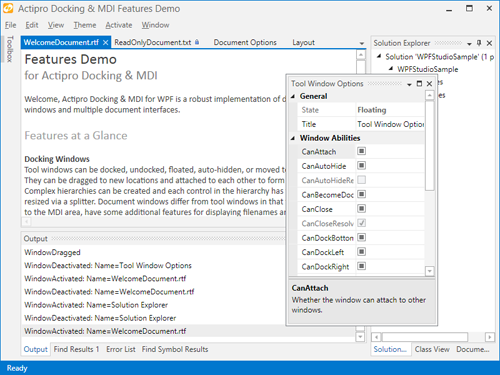
The interop assembly that makes it easy to use Docking/MDI with the Prism framework has been updated to reference the latest Prism v5.0.
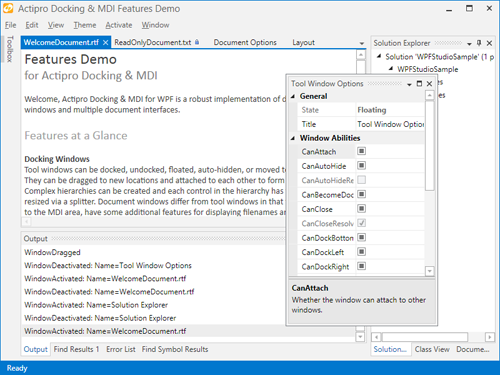
We've made numerous layout and performance updates to further improve the product.
We also have been working hard on building a completely new internal engine for the Docking/MDI product, which will be available sometime later this year. Keep an eye on our blog for posts detailing the advanced features that are coming with those updates.

All of our edit box controls in the WinRT Editors now have an IsEditable property. When set to false, the edit box behaves more like a ComboBox, while still retaining the rich popups that make the editors unique. This is an ideal option for apps whose primary mode of interaction is expected to be touch.
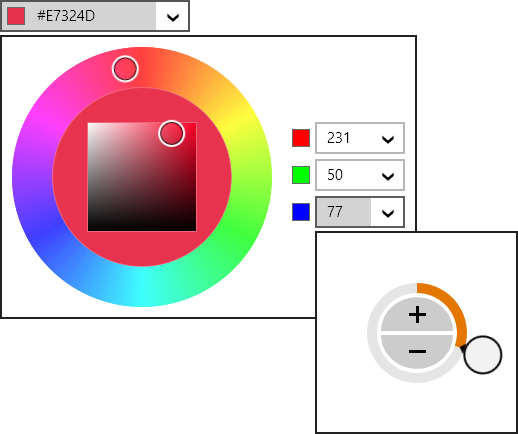
The CornerRadiusEditBox, PointEditBox, RectEditBox, SizeEditBox, and ThicknessEditBox controls have been updated to support text parsing one and/or two number entries where appropriate, which is useful for easy uniform value entry.

In the above ThicknessEditBox, a 2 is typed and then Enter is pressed. The value is converted to a uniform thickness of 2.
A ValueChanged event has been added to all edit boxes, which fires when a value change is committed.
Finally, edit box padding has been adjusted so that more content is visible in the same amount of space.

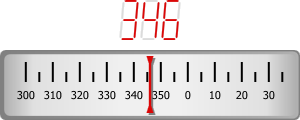
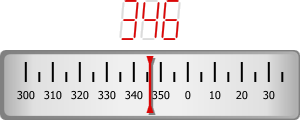
A new DigitalGauge.CharacterSegmentThickness property allows for segment thickness adjustments. This gives you even finer control over the presentation of your digital characters.

We've enhanced the 'Linear Gauge Rolling Scale' QuickStart with a new infinite rolling scale example for navigation headings.

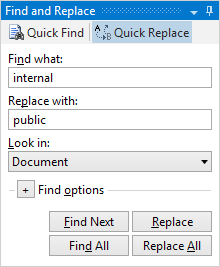
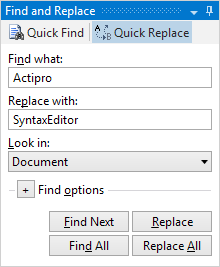
The EditorSearchView control now supports an optional "Find All" button.
The RTF export logic has been updated to support extended ASCII characters.
The free CSS language definition now supports the syntax highlighting of media queries.
We've dramatically improved the speed of large completion list display.
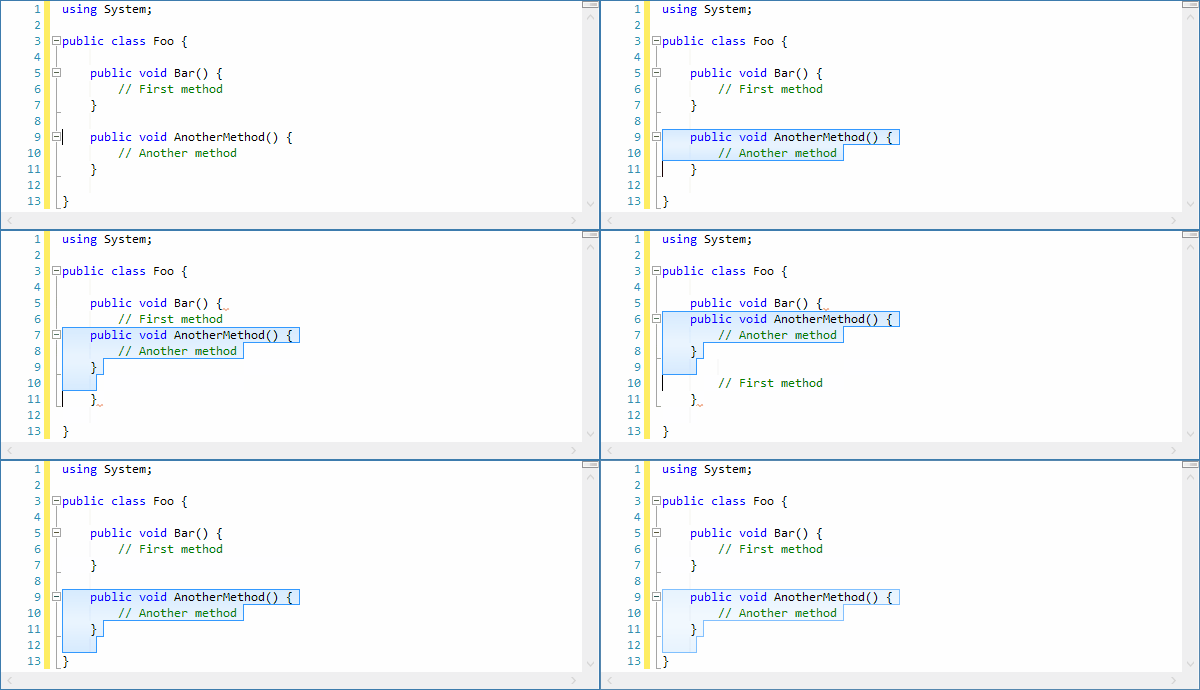
Several other performance improvements have been made, such as optimized the scenarios for which the TokenTagger raises its TagsChanged event, and refining of the automatic outlining update logic.
In the WinRT version, we added the SyntaxEditor.AreSelectionGrippersEnabled property, which determines whether the selection grippers show after touch within a view.
.NET Languages Add-on
The C# parser has been improved to recover better when encountering open block statements so that its AST node structure remains better in tact.
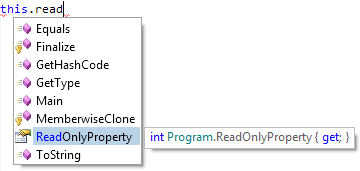
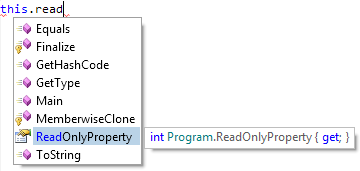
The IntelliPrompt quick info for properties now includes accessors, making it possible to see whether a property is read-only.
Python Language Add-on
The Python language has received an enormous amount of updates, that in sum really improve the entire automated IntelliPrompt feature set.
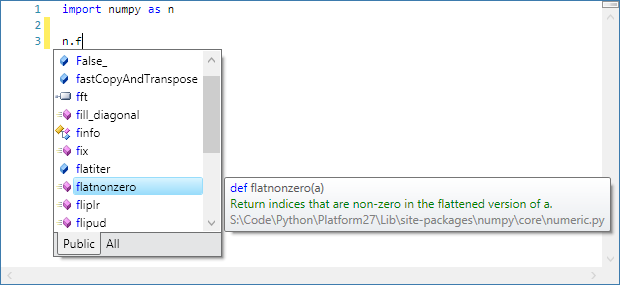
Check out all these enhancements:
- Added IntelliPrompt for private members and updated the completion list to have Public and All filter tabs.
- Added reflection data for private methods/fields of built-in primitive types.
- Added IntelliPrompt for built-in exception types.
- Improved IntelliPrompt for numerous built-in modules.
- Greatly improved IntelliPrompt for package and module imports.
- Improved IntelliPrompt for function parameters by examining available assert statement isinstance calls.
- Added IntelliPrompt for static fields on classes.
- Improved the resolution of base types for classes.
- Added the optional IResolver.UnknownReturnTypeReferenceCallback callback that can be used to provide return type references for unknown types.
- Updated the resolver to recognize where 'cls()' in a class method can create a new instance of the related class.
- Updated the IntelliPrompt completion list to filter unmatched items.
- Updated the IntelliPrompt docstring display to retain presentation of line feeds.

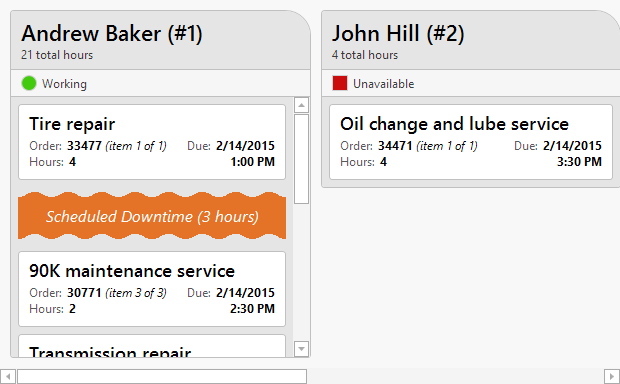
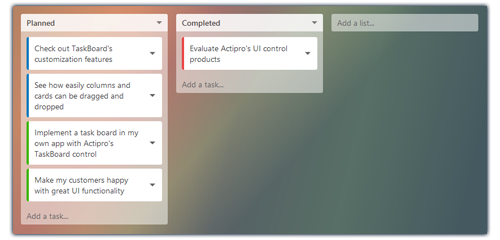
The Views product has a new TaskBoard control added, available in all three (WPF, Silverlight, and WinRT) platforms. TaskBoard can be used to create a board of reorderable columns and cards. All of the drags use smooth animations to give you the feel that you are really interacting with the object.
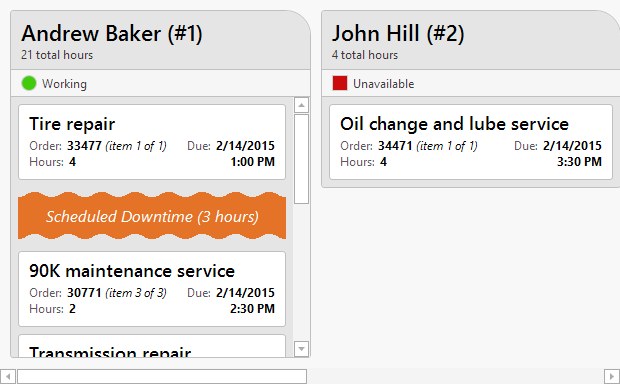
The first full-source sample that comes with the control is a Repair Shop Scheduling demo, which shows how a TaskBoard can be used to interactively schedule work to resources, such as employees. TaskBoard excels at providing a visual way of representing work/tasks (displayed as cards) within a queue of some sort (displayed as a column).
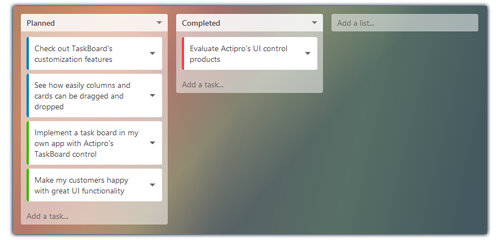
The second sample is a Task Planning demo, which shows how a TaskBoard can visually organize a project's tasks.

We've added another new primitive SemiEllipse shape, which renders half of an ellipse.

The existing Triangle shape has a new IsClosed property that when set to false will create a triangle with only two of the sides rendered.

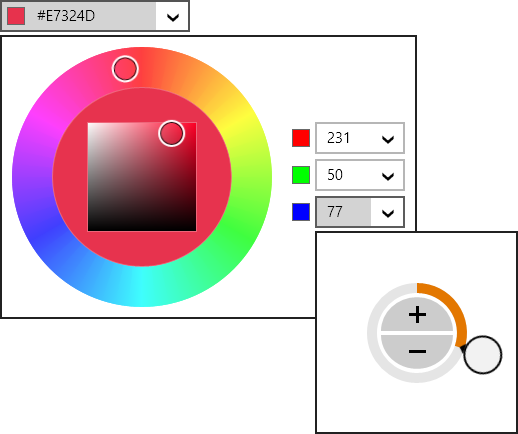
Finally, in the WPF Shared Library, we added GradientBrushSlider.CanAddStops and CanRemoveStops properties that determine whether stops can be added and removed from a GradientBrushSlider.



 Bill Henning (Actipro)