Building a Better SyntaxEditor Text Rendering Engine

by Avatar Bill Henning (Actipro) - 1 comment
Monday, October 2, 2017 at 4:28pm

BlogPostBanner-SyntaxEditor-DevNotes

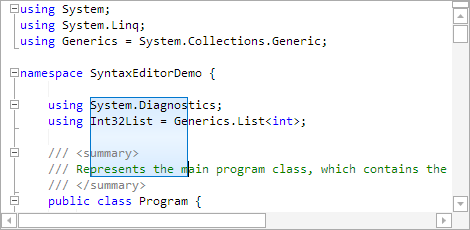
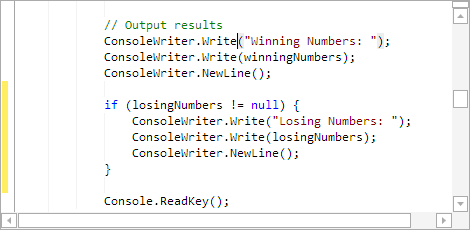
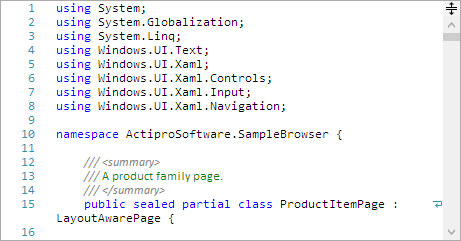
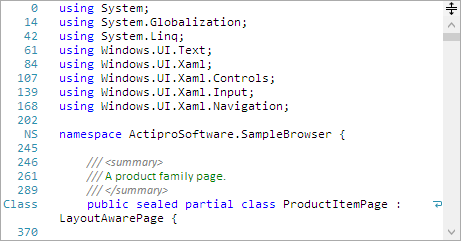
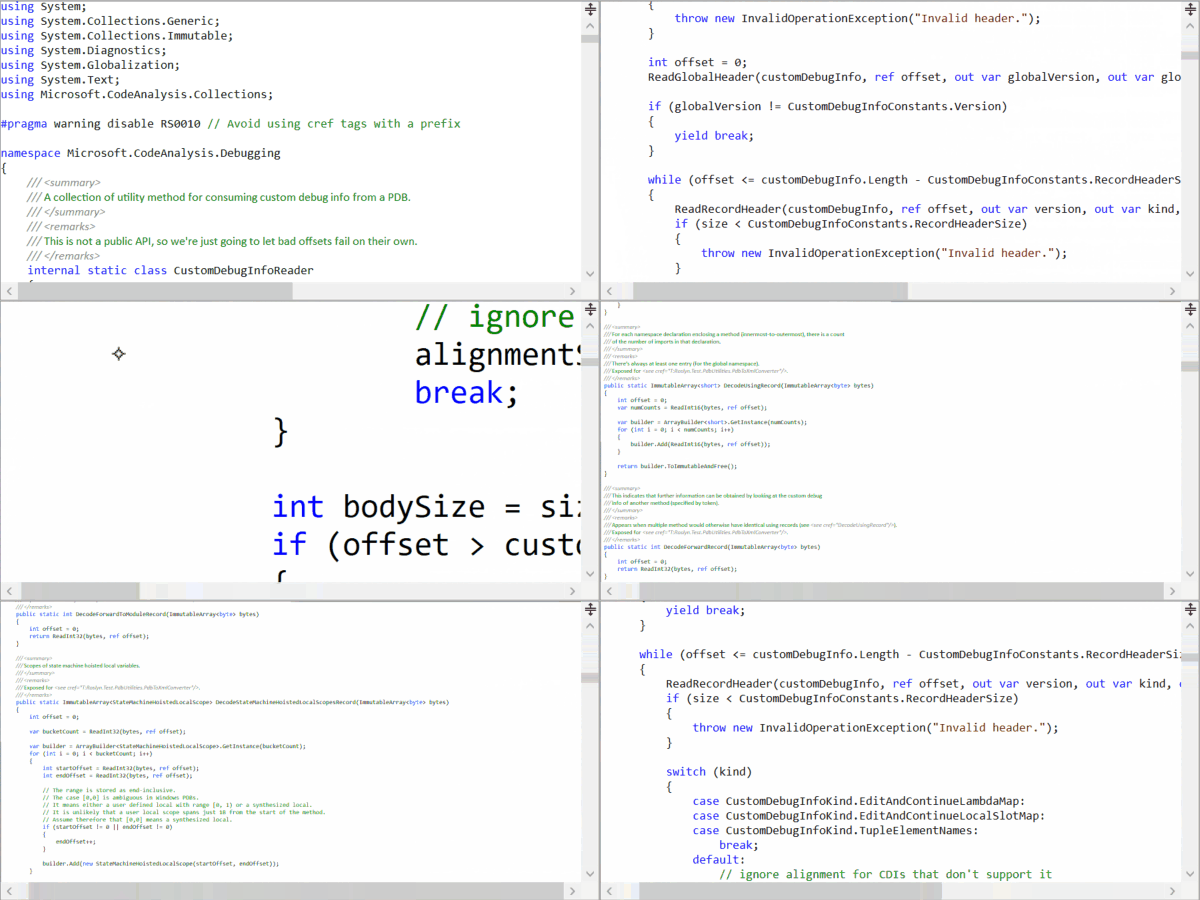
The past several weeks, we've been prototyping a new core text rendering engine for future use with SyntaxEditor (and possibly other products) that can be used across multiple platforms.  This text rendering API is the same across all supported platforms, which currently are WPF, UWP, and WinForms.  The implementation of that common API is platform-specific behind the scenes since each UI platform supports rendering text in very different ways.

SyntaxEditor would be a consumer of that text rendering API.  By using that text rendering API that is common across platforms, we could consolidate all the SyntaxEditor logic related to text formatting, rendering, and hit testing to be the same.

Platform Benefits

First the UWP version's text rendering implementation in this new engine is lightning fast, and would yield a massive rendering speed increase when merged into the UWP SyntaxEditor, compared to our current way of rendering text in the UWP SyntaxEditor.  It also would be more culture-sensitive with better logic on caret movement, right-to-left text, etc.

The WinForms version's implementation is also fast and compared to the current WinForms SyntaxEditor's way of rendering text, would gain culture sensitivity for caret movement, right-to-left text, etc.  Having a common text rendering API with other platforms would also be a big step in moving the WinForms SyntaxEditor down a path towards using the same general SyntaxEditor API as the other newer UI platforms use.  A future goal is to make this happen so that changes we make to features, add-ons, etc. can flow freely between all the SyntaxEditor platforms.

Finally the WPF version's text rendering is already very fast and culture-sensitive, but there are several logic enhancements we're making to improve speed when rendering long lines.

What's Next

We're still working on everything, but so far, tests in separate projects are very promising for the future of this text rendering API experiment.

Once things are finalized a bit more, we may plug it into one of the platforms like UWP to begin actual usage testing with SyntaxEditor.  This process will take some time since we will have to pull out all the plumbing for the current SyntaxEditor text rendering implementation, and adjust things to work with this new API.  We will give some updates once we make progress on that end.

WPF, UWP, and Silverlight Controls 2017.2 Released

by Avatar Bill Henning (Actipro)
Monday, August 28, 2017 at 5:22pm

BlogPostBanner.17.2

We're happy to announce that the 2017.2 versions of our WPF, Universal Windows, and Silverlight controls have been released.  These versions include some new controls, new features, and a lot of minor updates and bug fixes.

See all the details on the 2017.2 releases in the various announcement posts:

SyntaxEditor

Intra-Line Adornments

Full support for intra-line adornments is now included.  These allow whitespace to be reserved above and/or below view lines, and adornments rendered in that space.

CodeLens

A first new sample shows implementation of a Visual Studio-like Code Lens adornment with info display and hyperlink. 

PeekDefinition

A second sample shows a Visual Studio-like Peek Definition (embedded editor) display.  This is accomplished using a second SyntaxEditor within an adornment of the outer SyntaxEditor.

Vertical Scrolling

Vertical scrolling logic has been refactored to better handle view lines of various sizes.

Code Outlining

A couple new code outlining commands have been added: apply default outlining expansion and expand all outlining.

.NET Languages Add-on Roslyn Extensions

A new optional assembly is available that has Roslyn extensions for loading IBinaryAssembly instances that can be referenced by a project assembly, instead of using normal .NET reflection.

.NET Languages Add-on IntelliPrompt

IntelliPrompt completion is now available for object creation expression initializer member names.

ObjectInit

Docking/MDI (WPF/UWP)

Floating Windows

A new property can be data-bound to your VM to float or restore a docking window.  The default location request event allows for specifying that a docking window should open in a floating dock host.  Docking windows that were closed while floating now support more precise restoration later.  Dragging standalone floating docking windows by their tabs now has a better experience.

Contextual Indicators

The read-only contextual indicator for documents now uses a separate display mechanism from the custom contextual indicators, allowing both to show at the same time.

Editors (WPF/UWP)

AutoCompleteBox

A new AutoCompleteBox control has been added that allows text entry and provides suggestions for auto-completion.

AutoCompleteBox

This kind of control is ideal for use in search query and quick launch kinds of scenarios.

DateEditBox

DateEditBoxOpened

Clicking a date on the popup calendar now closes the popup.

Grids (WPF/UWP)

Drag/Drop

The TreeListBox item adapter has been updated with a method that fires when hovering over an item during a drag, allowing you to determine whether it should be expanded.

TreeListBoxDragDrop

New adapter methods have also been added that are called immediately before and after a drag, allowing for custom adornments to be displayed while dragging.

Shared Library (WPF/UWP)

AdvancedTextBlock

A new AdvancedTextBlock control has been added that can show a tooltip when overflowed and can highlight spans of text based on captured text ranges (i.e. filter match results).

TaskDownload TaskBuyNow

WPF Controls v2017.1 Maintenance Release

by Avatar Bill Henning (Actipro)
Wednesday, May 3, 2017 at 6:16pm

WPF17.1.0651.BlogPostBanner

The WPF Controls 2017.1 build 651 maintenance release is now available.  This build has a large number of updates and new features for various WPF control products (Docking/MDI, Editors, Grids, Ribbon, SyntaxEditor, Shared Library), and includes bug fixes for all issues that have been found since the original 2017.1 release. 

In addition, the SyntaxEditor .NET Languages Add-on now supports C# 6 and VB 14 syntax, with full automated IntelliPrompt.  The screenshot below shows automated IntelliPrompt working properly with a null-conditional operator.

SyntaxEditorNullConditional

The rather large list of full update details are contained in this forum thread.

TaskDownload TaskBuyNow

SyntaxEditor Line Modification Mark Enhancements

by Avatar Bill Henning (Actipro) - 4 comments
Thursday, August 25, 2016 at 6:57pm

PostBannerSyntaxEditorDevNotes

The latest maintenance releases of our v2016.1 WPF, Universal Windows, and Silverlight controls had some major work done on SyntaxEditor's line modification marks feature.  In fact, its internal logic was completely rewritten and improved.

Overview

Line modification marks use colored bars in the selection margin to tell the end user whether changes have occurred on the line, and whether those changes have been saved.

This animation shows this feature in action:

SyntaxEditorLineModificationMarks

New changes will turn the marks yellow to reflect that those lines are “dirty” (unsaved).  If you then "save" the document (which I do above after typing on two lines), the marks turn green to indicate they are now saved.

While the yellow and green marks were present in older versions, there were some bugs that could occur with their tracking over the course of multiple text changes.  Those bugs have been fixed in this latest maintenance release.

In addition we also have added orange marks, that occur when you undo past the save point.  They show anything that is different from what was saved but is not different from the document when it was originally opened.

Summary

These great new features match exactly with what is in Visual Studio and are wonderful for end users.  Grab the latest 2016.1 builds to add them to your own apps!

TaskDownload TaskBuyNow

WPF, UWP, and Silverlight v2016.1 Maintenance Releases

by Avatar Bill Henning (Actipro)
Friday, May 13, 2016 at 7:19pm

Maintenance16.1.BlogPostBanner

Maintenance releases of our v2016.1 WPF, Universal Windows, and Silverlight controls have been released and are now available for download.

Docking/MDI for WPF and UWP has several new options that give you more control over UI appearance.  Tab text on tabbed MDI tabs will now trim long text with ellipses in the middle, instead of the end, allowing for filenames to be more readable.

SyntaxEditor's completion and parameter info providers in all language add-ons now allow you to intercept OnSessionOpening, even when no items were pre-populated, so that you can add your own custom items/info.  Cut, copy, paste, drag, and drop all now support the block and full line flags that are compatible with Visual Studio.  The Python Language Add-on added a text range property to all type and function definitions, allowing you to implement features like go to definition easier.

The Shared Library added a new RingSpinner control that is an animated ring where the two ring segment ends chase each other around the circle.  It's great for display while performing a lengthy operation.

All products received numerous other minor enhancements and bug fixes.  See the announcement posts for the detailed list of enhancements and updates:

TaskDownload TaskBuyNow